Skip to content

Analytics

The "Analytics" menu provides access to reporting functionalities.

The structure is based on a navigation pane on the left and a content area on the right.

The left navigation pane categorizes the available reports. Currently, the primary category is "1. Testcase-related," under which the specific report option is listed.

Execution Reporting

After a test case has been executed, a user can access its detailed report. This report offers three different viewing formats to accommodate various user needs and external tools: HTML for a user-friendly, web-based view; Log for a detailed, step-by-step text record; and XML for a structured data format suitable for parsing by other applications. This flexibility ensures that the results can be easily reviewed and integrated into other systems.

Reports to download

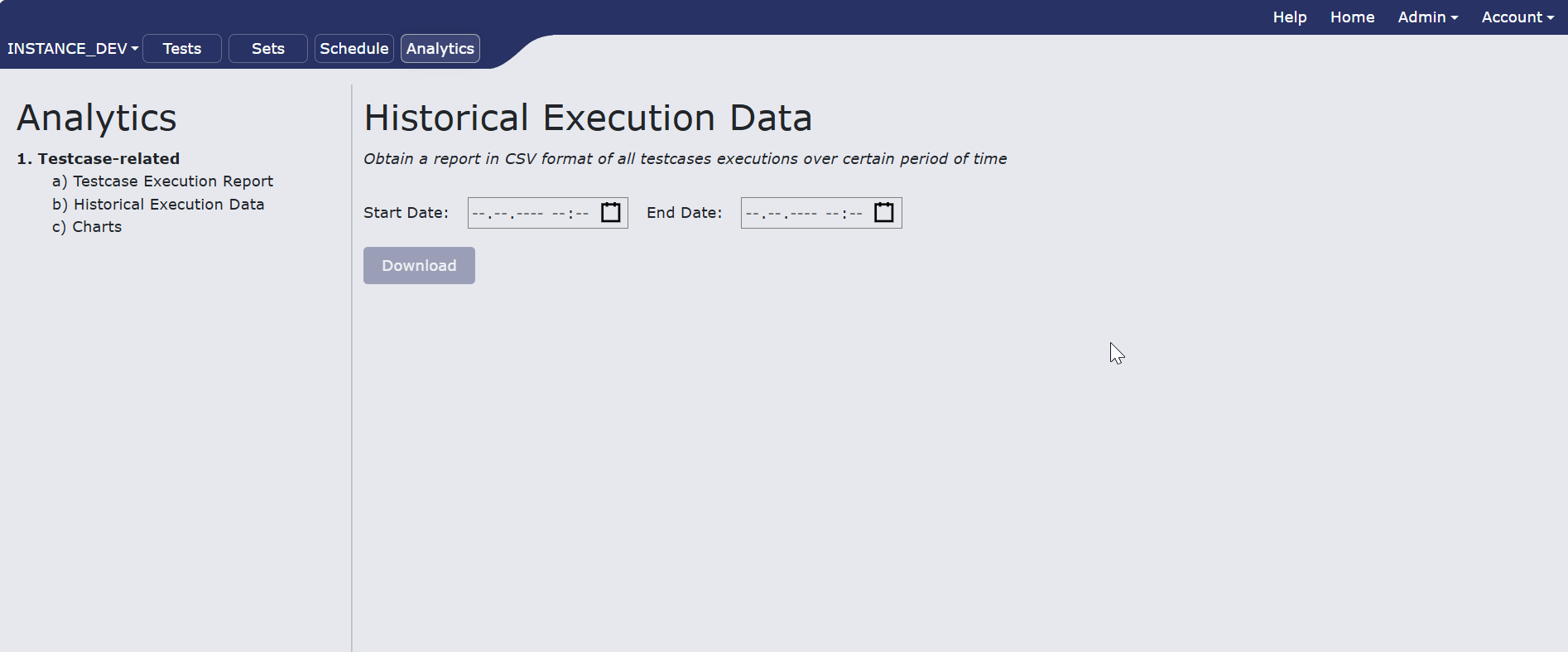
1.Historical execution data Select the date you want to recieve data from and click download. Report in csv format will be donwloaded to you machine histexecdata.png

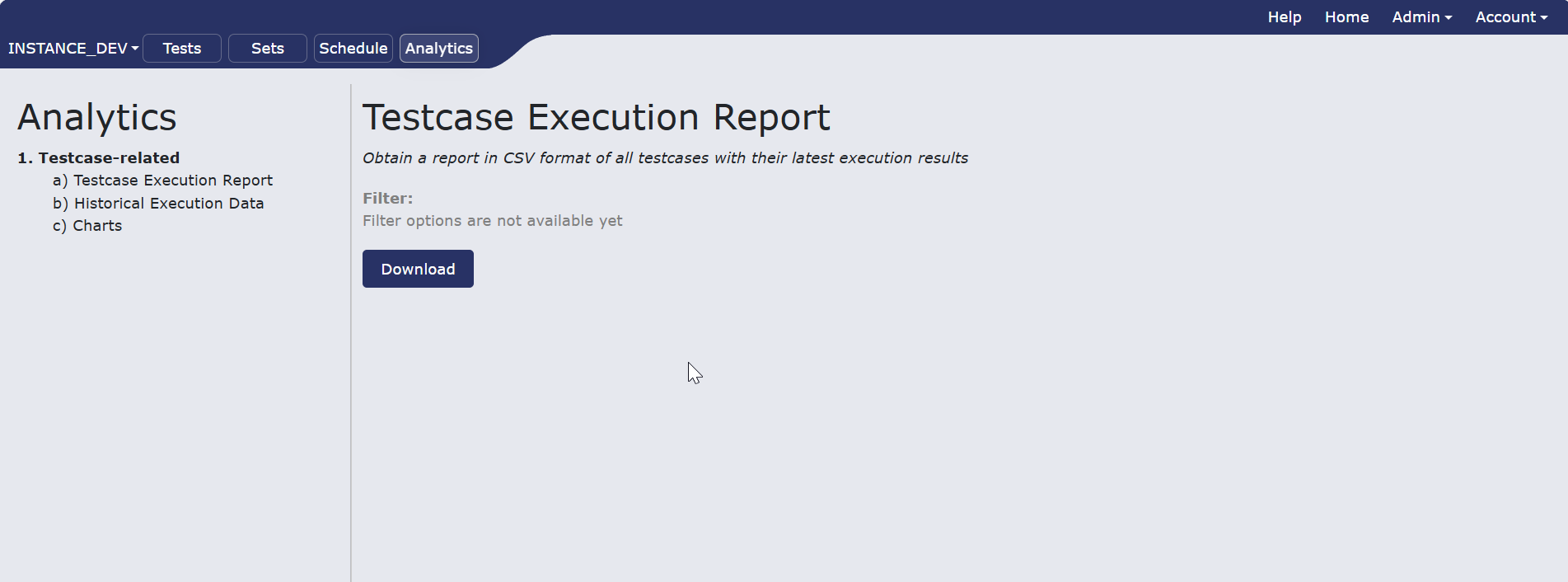
2.Testcase execution report To obtain a report in CSV format of all testcases with their latest execution results, click download. ter.png