Login
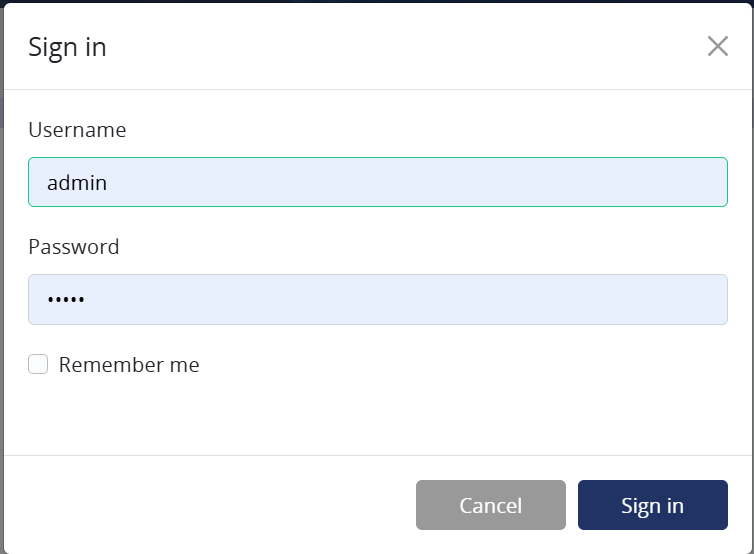
You can access the control panel with local accounts managed in the Control Panel itself or with Keycloak SSO authentication if you have it set up (see Keycloak setup).
Info
An Administrator user with username and password "admin" is provided by default, but we recommend you create another administrator as soon as possible with a stronger password and delete the first one while logged in with the actual new administrator.
Account settings
Info
Account settings are only available for local accounts. If you are using Keycloak SSO authentication, you will need to change your password and personal information in Keycloak.
After logging in, you can change your password, first name, and last name in the account settings. The account settings can be accessed by clicking on the user icon in the top right corner of the screen.
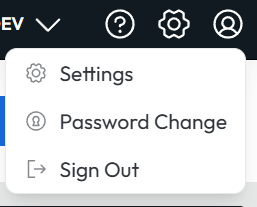
You can also sign out from the account settings dropdown.